Android Box Setup for Premium IPTV Streaming
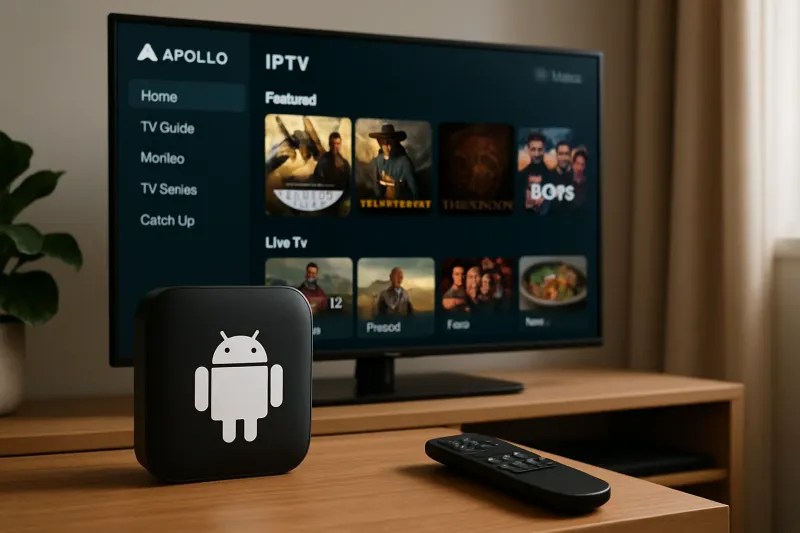
Getting Started with Your Android Box
Setting up your Android box for premium IPTV streaming is a straightforward process that can significantly enhance your viewing experience. At Apollo Group, we provide a seamless setup guide to ensure you can enjoy high-quality content in no time.
Essential Requirements
Before diving into the setup process, ensure you have the following:
- An Android box with internet connectivity
- Your Apollo Group subscription details
- A compatible HDMI cable
- A stable Wi-Fi connection
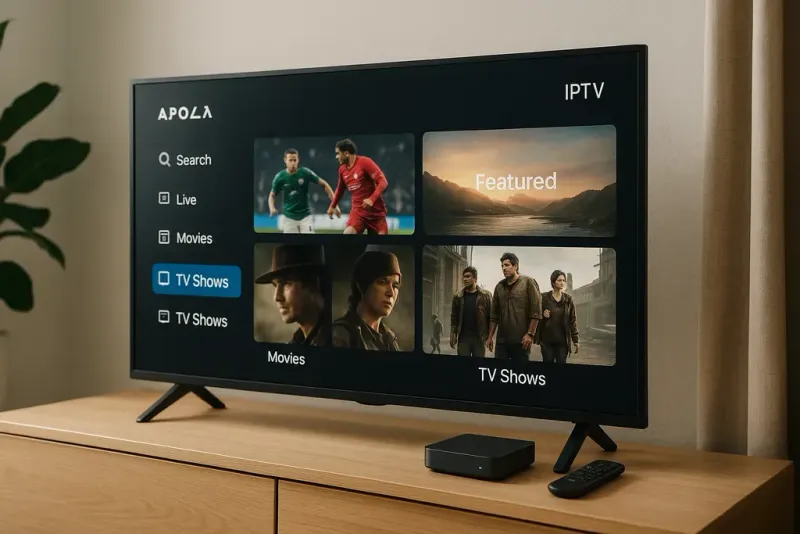
Step 1: Connect Your Android Box
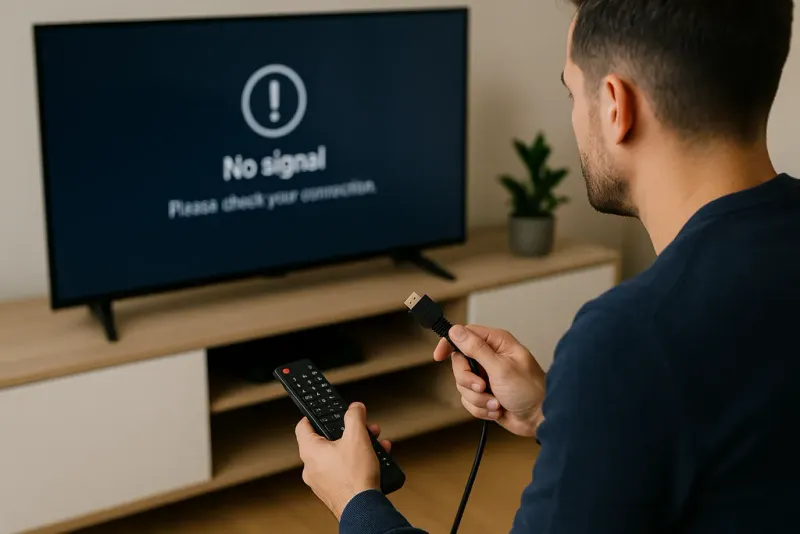
Begin by connecting your Android box to your TV using the HDMI cable. Ensure both devices are powered on and select the correct input source on your TV.
Step 2: Set Up Your Internet Connection
Navigate to the settings menu on your Android box. Connect to your Wi-Fi network by entering your password to establish a stable internet connection.
Step 3: Install the Apollo Group App
Go to the Google Play Store on your Android box. Search for the Apollo Group app and install it to access our premium IPTV streaming services.
Activating Your Subscription
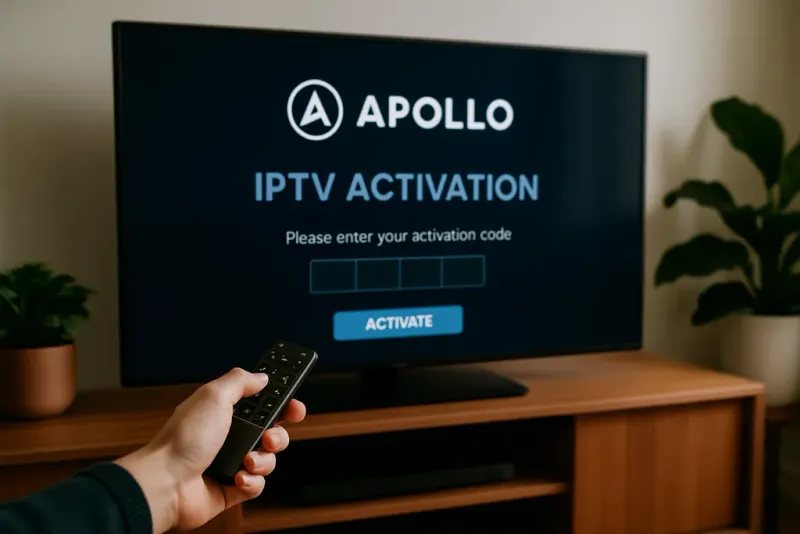
Once the app is installed, launch it and log in using your Apollo Group credentials. If you're not yet a member, consider signing up for our 10-Day Trial to experience our exceptional services.
Troubleshooting Tips
If you encounter any issues during setup, consider the following tips:
- Ensure your internet connection is stable.
- Restart your Android box and TV.
- Check for any updates available for the Apollo Group app.
For more help, visit our Help & FAQ page or contact our Official Support.
Stay Connected
Stay updated with the latest offerings and enhancements from Apollo Group by checking our premium IPTV streaming services page. Enjoy a world of entertainment at your fingertips!