Help & FAQ - Apollo Group Premium IPTV Streaming
General Questions
Find essential information about our premium IPTV streaming services.
What is IPTV?
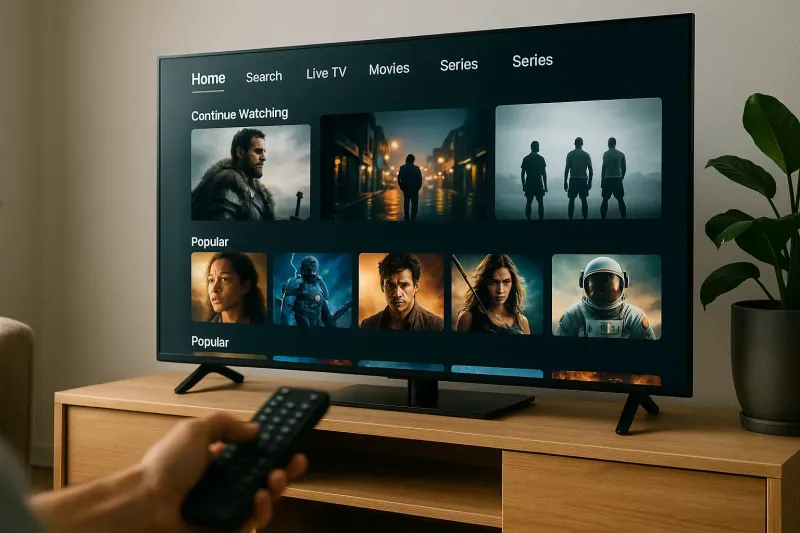
IPTV stands for Internet Protocol Television, allowing you to stream live and on-demand video content over the internet. Unlike traditional cable TV, IPTV uses your internet connection to deliver high-quality programming.
How does Apollo Group's IPTV work?
Apollo Group offers a seamless IPTV experience with a user-friendly interface, high-definition channels, and access to a vast library of content. Simply download our app, choose your plan, and start streaming.
What devices are compatible with Apollo Group IPTV?
Our IPTV service is compatible with various devices, including Smart TVs, Android boxes, Fire TV Stick, iOS & Apple TV, and desktop applications. For specific setup instructions, visit our Smart TV Integration page.
Subscription and Pricing
Learn about our subscription options and pricing plans.
What are the subscription plans available?
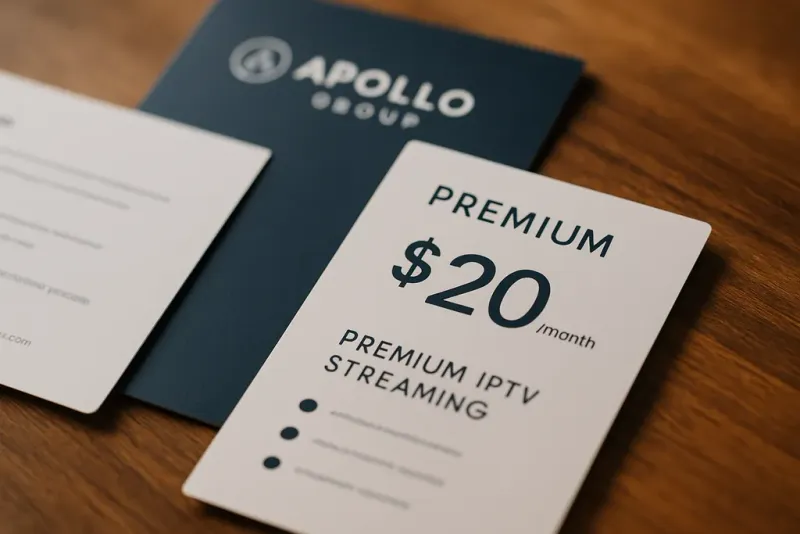
Apollo Group offers various subscription plans tailored to meet your viewing needs, including monthly, quarterly, and annual options. Check our Service Plans for more details.
Is there a free trial available?
Yes, we offer a 10-Day Trial to new customers. This allows you to experience our services without any commitment.
Technical Support
Get help with any technical issues you may encounter.
What should I do if I experience buffering?
Buffering can occur due to a slow internet connection. We recommend a minimum speed of 10 Mbps. You can also refer to our Official Support page for troubleshooting tips.
How can I contact support?
You can reach our support team via email at support@apollogrouptv-cam for any inquiries or assistance.
Account Management
Manage your account and preferences easily.
How can I change my subscription plan?
You can change your subscription plan at any time through your account settings. Visit our Pricing page for more information.
Can I cancel my subscription?
Yes, you can cancel your subscription at any time. Simply log into your account and follow the cancellation instructions.
Need More Help?
If you have additional questions, feel free to visit our Contact page for more options or reach out directly to our support team.